
THIZIRI · Using Thiziri
Adhkar widgets for Android
A shortcut to your next reading, a personal tasbih, or a quiet moment on your home screen. Explore the five Thiziri widget previews.
Prepared by Under the Haik · · How our content is prepared
Choose a widget for the task
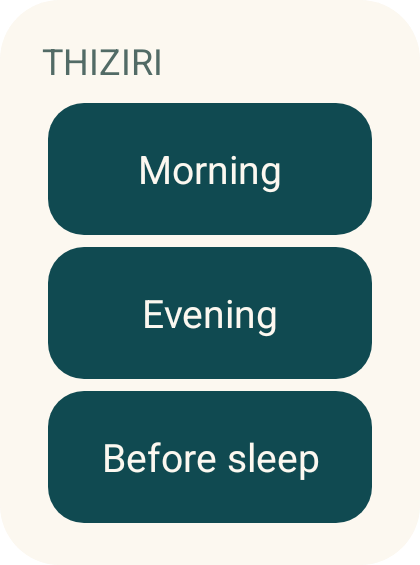
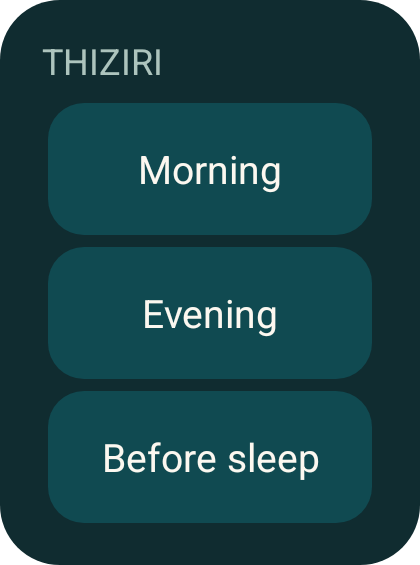
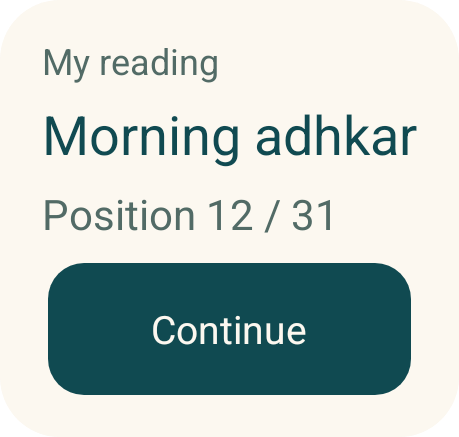
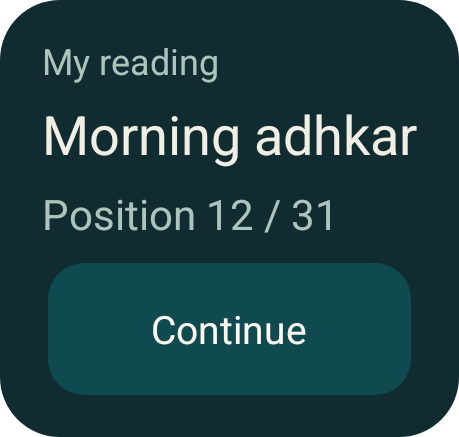
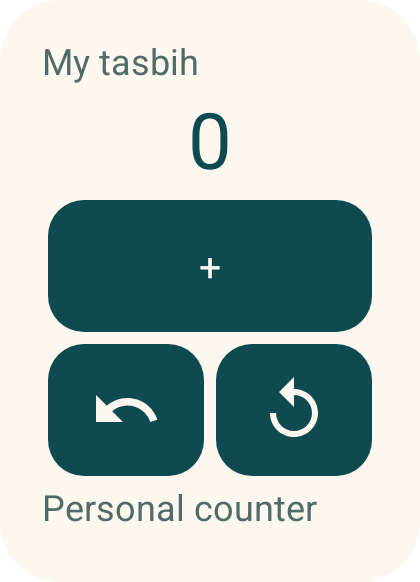
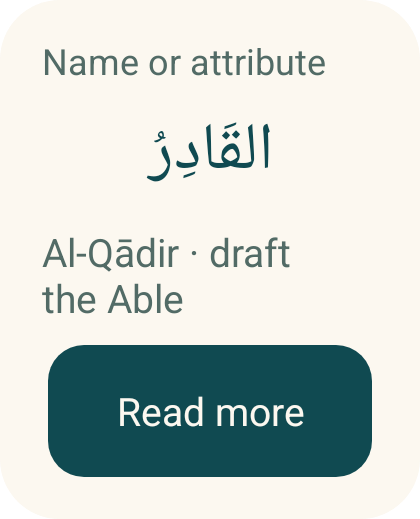
Quick adhkar opens morning, evening or bedtime readings. A changing remembrance shows a short dhikr and its reading. Continue reading returns to your saved position. Personal tasbih counts independently of reading counters. A name each day opens the relevant name or attribute with its meaning and source note.
Dark preview

Dark preview

Dark preview
Dark preview
Dark preview
How to add a widget when the app is available
Once the Android app is installed, open Thiziri Settings → Home screen widgets, or touch and hold an empty area of your Android home screen and choose Widgets. Find Thiziri and add the layout you want. Launcher labels and supported sizes can vary by phone.
Light and dark previews
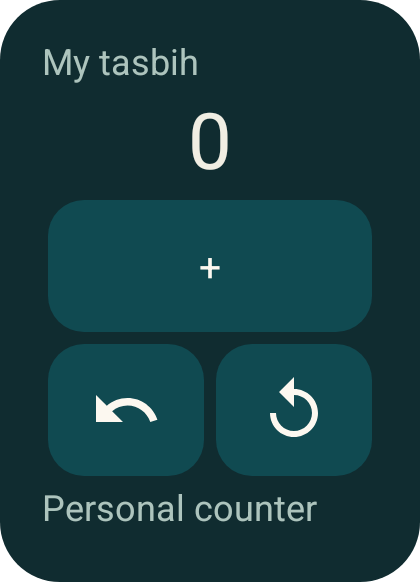
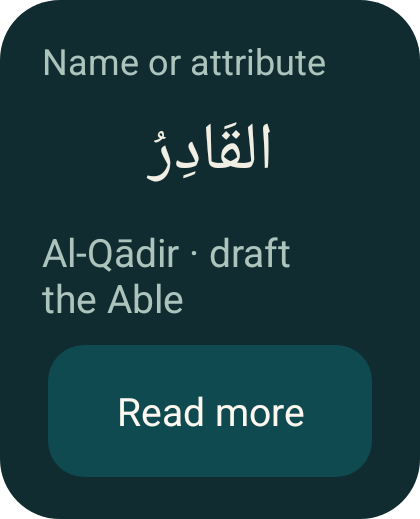
Each widget has light and dark variants. The images on this page are captures of the Android widgets, not interactive web widgets. Their text size and spacing can vary with the phone and launcher.
If a widget seems out of date
Open Thiziri and check the reading or saved position first. Android may delay background refreshes; the changing remembrance is not an exact-time alarm. Keep a favourite reading available in the app or prepare the web reader for offline use rather than relying on a refresh arriving at a precise minute.
Choose a collection first
Start with morning adhkar, evening adhkar or bedtime readings. The web collections can be read now, while the Android release is being prepared.